Essential Finance Report Templates for Professional Presentations
In this article
Why Polished Financial Reports Matter
A well-crafted financial report isn't just about numbers; it's about trust, transparency, and strategic foresight. An engaging presentation ensures your audience grasps complex data, understands key insights, and supports your recommendations. With the right template, you can transform dense financial statements into digestible, visually appealing narratives that resonate.
Quick Tips
- Clarity First: Prioritize clear, legible fonts and simple color schemes that don't distract from your data.
- Visual Storytelling: Use charts, graphs, and infographics to illustrate trends and comparisons, rather than relying solely on text.
- Audience Focus: Tailor your report's depth and detail to your audience's knowledge level, whether it's executives, investors, or internal teams.
- Highlight Key Metrics: Emphasize the most critical financial indicators and their implications for future strategies.
- Concise Language: Keep explanations brief and to the point, allowing visuals to do most of the heavy lifting.
We've scoured the market to bring you a diverse range of templates, each offering unique features and design philosophies. From comprehensive annual reviews to dynamic monthly dashboards, our selection covers every aspect of financial reporting. Explore these top picks to find the perfect match for your next presentation.
Top 10 templates
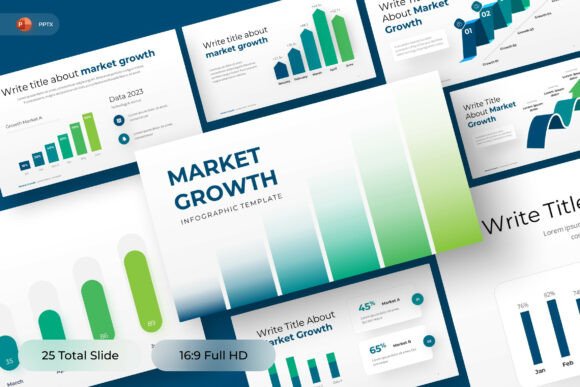
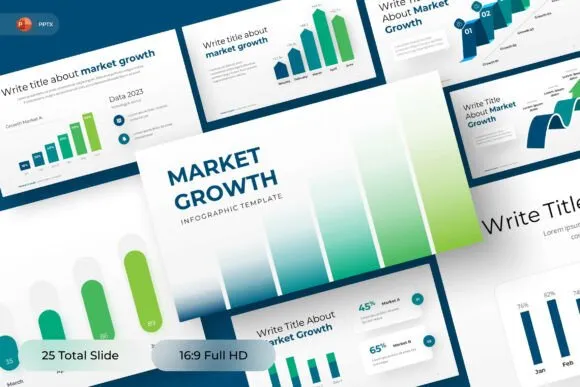
1. Market Growth PowerPoint Template
This data-driven PowerPoint template is perfect for market analysis, sales performance, and business growth reporting. Its clean green and white palette with upward-trending charts make it an essential tool for business developers and sales teams.
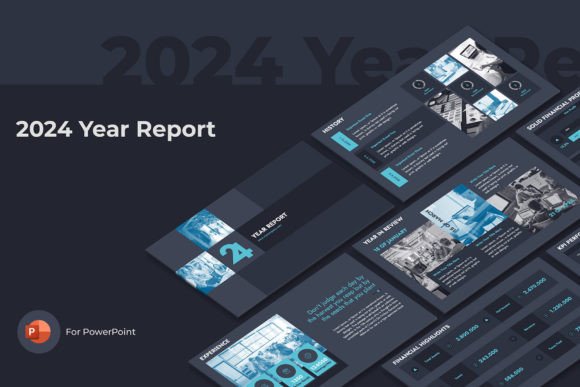
2. Year Report Powerpoint Presentation
Present a comprehensive overview of your corporate activities with this Year Report PowerPoint template. It includes all necessary sections like financial highlights, KPI performance, and strategic goals, available in three pre-made color themes.
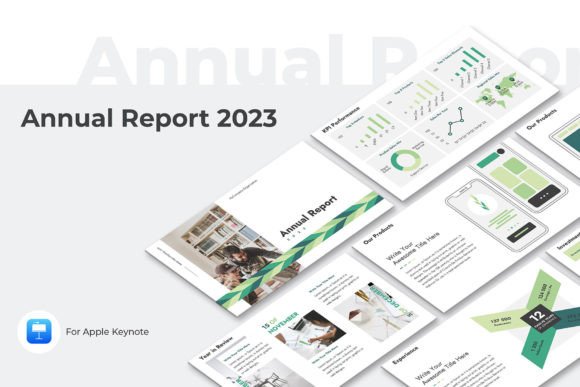
3. Annual Report Keynote Presentation
Designed for impactful annual reviews, this Keynote template covers everything from company vision to financial performance. Its unique content and multiple color themes ensure your report stands out, perfect for shareholder meetings or company profiles.
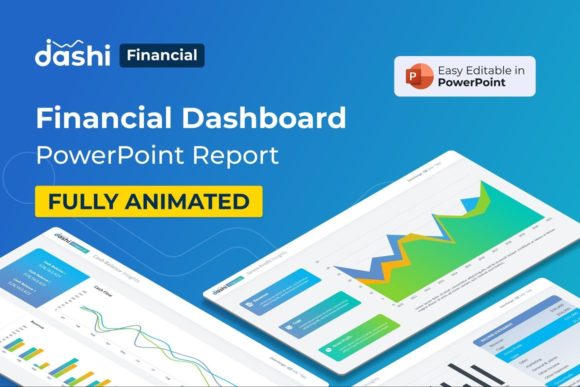
4. Financial Dashboard Template
Visualize your financial data with ease using this clean Financial Dashboard Template for PowerPoint. It features included tables, infographics, and timeline slides, making complex data digestible and inspiring further analysis.
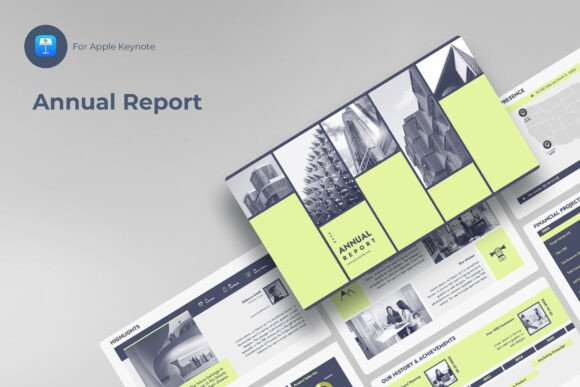
5. Annual Report Keynote
A comprehensive Keynote template offering essential topics like financial highlights, KPI performance, and strategic goals in peach, green, and lavender themes. Ideal for sales, corporate, marketing, and finance presentations.
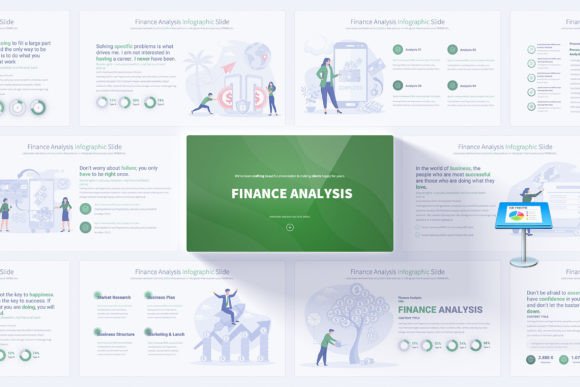
6. Comprehensive Finance Keynote
Boost your financial analysis presentations with this Keynote template featuring 17 unique slides and 12 color variations. It includes handmade infographics and editable elements for polished, professional financial reports or business proposals.
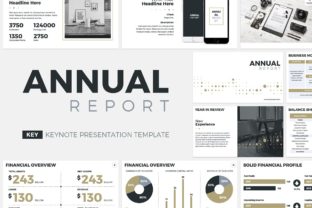
7. Annual Report Keynote Template
Based on successful samples, this Keynote template helps describe your company's yearly activities with over 50 unique slides. It's also suitable for company profiles or business proposals, offering a professional touch with editable world maps and vector icons.

8. Monthly Report Google Slides Template
The Moneraht Monthly Report template for Google Slides transforms complex data into compelling visual stories. Perfect for KPI analysis, sales reports, and executive briefings, its minimalist and corporate aesthetic makes reporting impactful and clear.
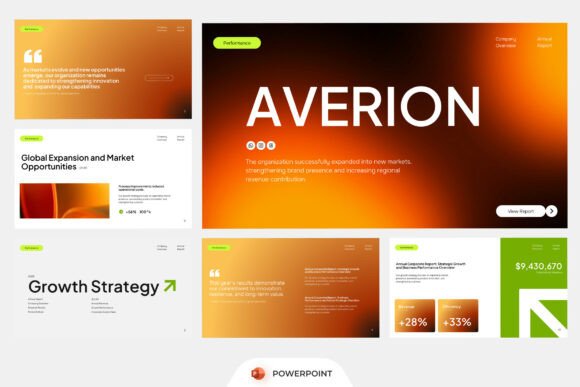
9. Annual Corporate Report PowerPoint
This PowerPoint template offers a strong editorial style for company reporting, financial summaries, and corporate performance. With bold layouts and structured content, it's ideal for shareholder meetings and investor updates.

10. Financial Report Google Slides
A professional and minimalist Google Slides template for financial and banking reports. With 32+ unique slides, full animation, and editable vector elements, it's designed to make your business presentation stand out with ease.
Maximizing Your Report's Impact
Beyond choosing a great template, how you deliver your financial report is paramount. Remember that your presentation is an opportunity to not only inform but also to persuade and inspire confidence. Leverage your template's features to craft a narrative that highlights successes, addresses challenges, and outlines a clear path forward.
of financial professionals believe visual presentations significantly improve audience engagement with complex data.
Expert Tip
Pro Tip: Always rehearse your financial presentation. Knowing your data inside and out, combined with a well-designed template, will project professionalism and confidence, making your insights more impactful.
Common Questions About Financial Report Templates
? FAQ
A financial report template is a pre-designed presentation framework that helps users organize and present financial data efficiently. It typically includes slides for balance sheets, income statements, cash flow, KPIs, market analysis, and strategic projections, saving time and ensuring a professional, consistent look.
Professionals across various sectors benefit, including financial analysts, accountants, CEOs, investors, business owners, and marketing managers. Anyone needing to communicate financial performance or projections clearly and persuasively will find these templates invaluable.
An effective template should feature dedicated sections for executive summaries, financial highlights, profit & loss statements, balance sheets, cash flow analysis, key performance indicators (KPIs), market trends, and future financial projections. Look for templates with editable charts, graphs, and infographics for easy data visualization.
Absolutely! Most templates offered on SlidesForge are fully editable, allowing you to easily adjust colors, fonts, layouts, and add your company logo to align with your brand identity. This ensures a consistent and professional appearance across all your presentations.
Yes, our curated selection includes templates compatible with leading presentation software such as PowerPoint, Google Slides, and Keynote. We specify the compatible software for each product, so you can choose the right one for your preferred platform.
The frequency depends on the business needs and audience. Common reporting periods include monthly, quarterly, and annually. Each type of report serves a different purpose, with monthly reports focusing on short-term performance and annual reports providing a comprehensive overview.
An annual report template is comprehensive, covering a full year of financial performance, strategic achievements, and future outlook. A monthly report template is more focused, providing a snapshot of recent performance, operational updates, and progress towards short-term goals, often with more emphasis on dashboards and real-time data.